Inlägg

Visar inlägg med etiketten security

Software updates and versioning
Bild
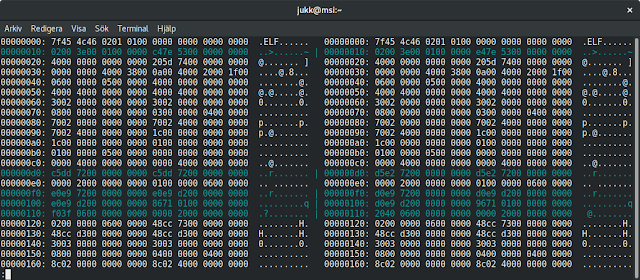
When publishing software, it is custom to update software version when releasing an update. Why would you just silently replace a released software package with an updated one without changing version? In most cases this means that users downloading the package for the first time will get the latest package, but users that have downloaded the software previously will receive no notification about an update (assuming that there is an upgrade mechanism such as apt, yum or dnf, or in the Windows world maybe a custom software updater). If the update isn't worth pushing out to all users, why not just wait with pushing out the change until next official release? I don't know, but it feels like hiding something. Or maybe the publisher is just clueless. The only thing I could think of that would justify doing this, is if the software installation package has some minor issue (or completely broken thus preventing any installation). But not updating version numbers is just, well... weird...

Two-factor authentication with TOTP applications

Bild
Many websites and online services offer two-factor authentication (2FA) using SMS or using a Time-based One-Time Password (TOTP) application (some services also offer an email link, but I will not cover it here, although it also adds security in a similar way). It is highly recommended to use two-factor authentication to sign in to websites. It adds one layer of information besides the password, which makes signing in to online websites a bit more secure. The only way someone can get into your account is if they acquire both your password and the secret key on your phone. I prefer TOTP over SMS, because SMS is sometimes more unreliable and slower. (I won't discuss which method is more secure; there are potential vulnerabilities in both use cases depending on device and platform) Time-based One-Time Password A Time-based One-Time Password algorithm calculates a one-time password from a shared secret key and the current time. It is a standard described in RFC 6238 . It re...

Firefox Tracking Protection for all users

Bild
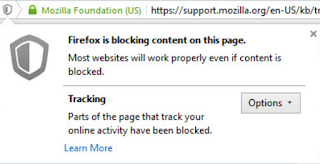
Firefox Tracking protection is a great feature used in Private browsing mode. But turning on Firefox tracking protection permanently has several benefits. According to researchers it makes pages load 44% faster and reduces data usage by 39%. You will also get rid of most personalized advertisement, thus the increased performance. Personally, I prefer to choose my advertisement myself. You can turn on the feature in Firefox by typing about:config in the location bar and hitting enter. Type and find privacy.trackingprotection.enabled and double-click it to toggle it to true. But how to turn this feature on for all users on the same PC ? Usually family members are not tech-savvy enough to mess around in the Firefox configuration interface. Behold, if you are an administrator, you can set a machine-wide setting. You can tell Firefox to read system preferences by creating a file defaults/pref/local-settings.js in the Firefox installation directory. Then set the default preferenc...